
Live Caller Signal
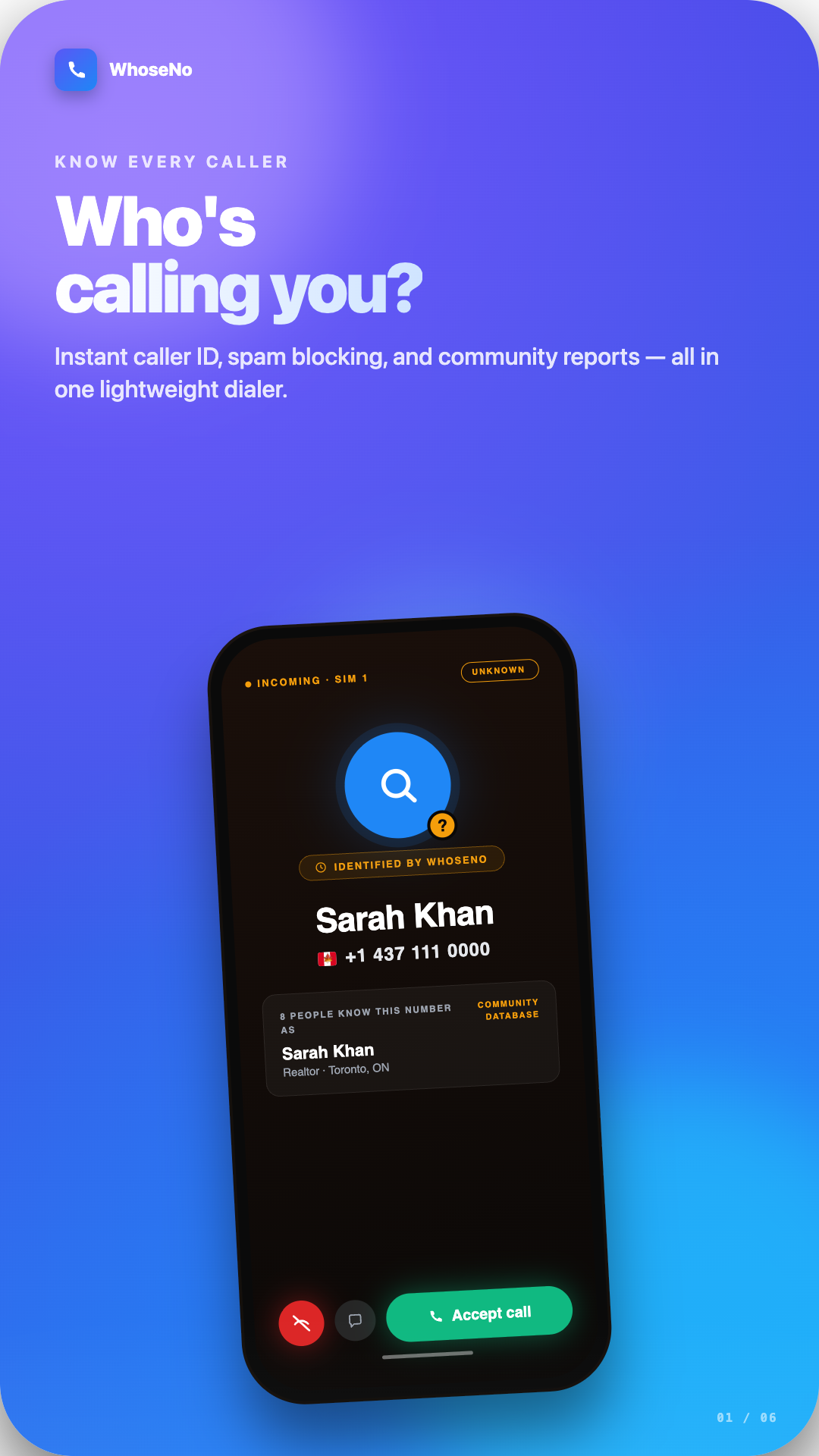
Incoming number identified
Caller ID
Risk Check
Block Rule
WhoseNo helps you answer the question "who called me from this number?" with real-time caller ID, spam risk labels, and community scam reports.
Your privacy comes first. We do not upload your contacts without permission, and we do not sell your data.
WhoseNo combines caller identification, reverse number intelligence, and spam call controls in one place so you can decide fast whether to answer, block, or ignore.
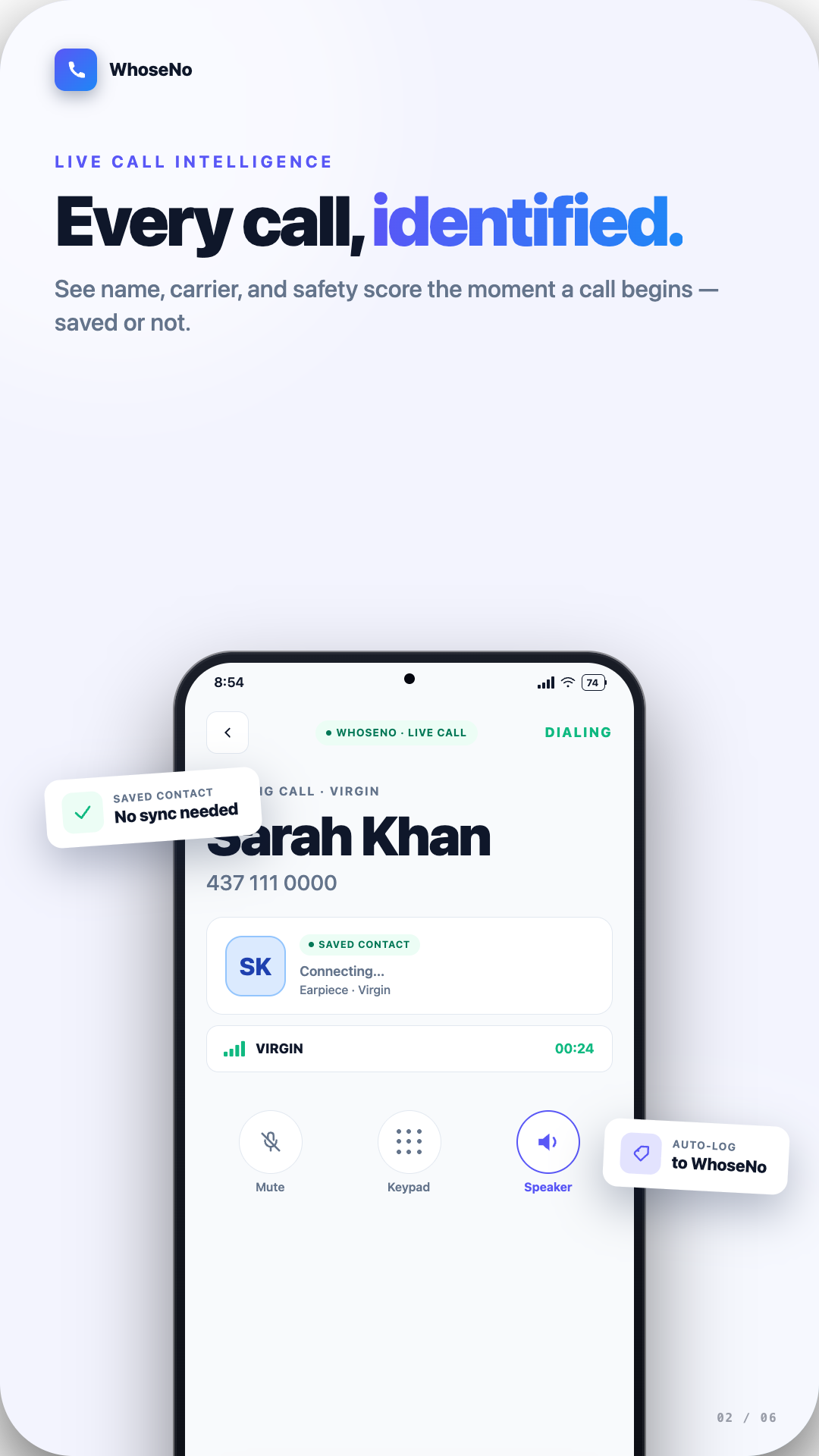
Get live caller identity and real-time spam warnings before answering unknown calls.
Search any number and see community reports, caller details, and risk insights instantly.
Users report and vote on spam, scam, telemarketing, and harassment patterns.
Each lookup is labeled safe, likely spam, or unknown so decisions are quicker.
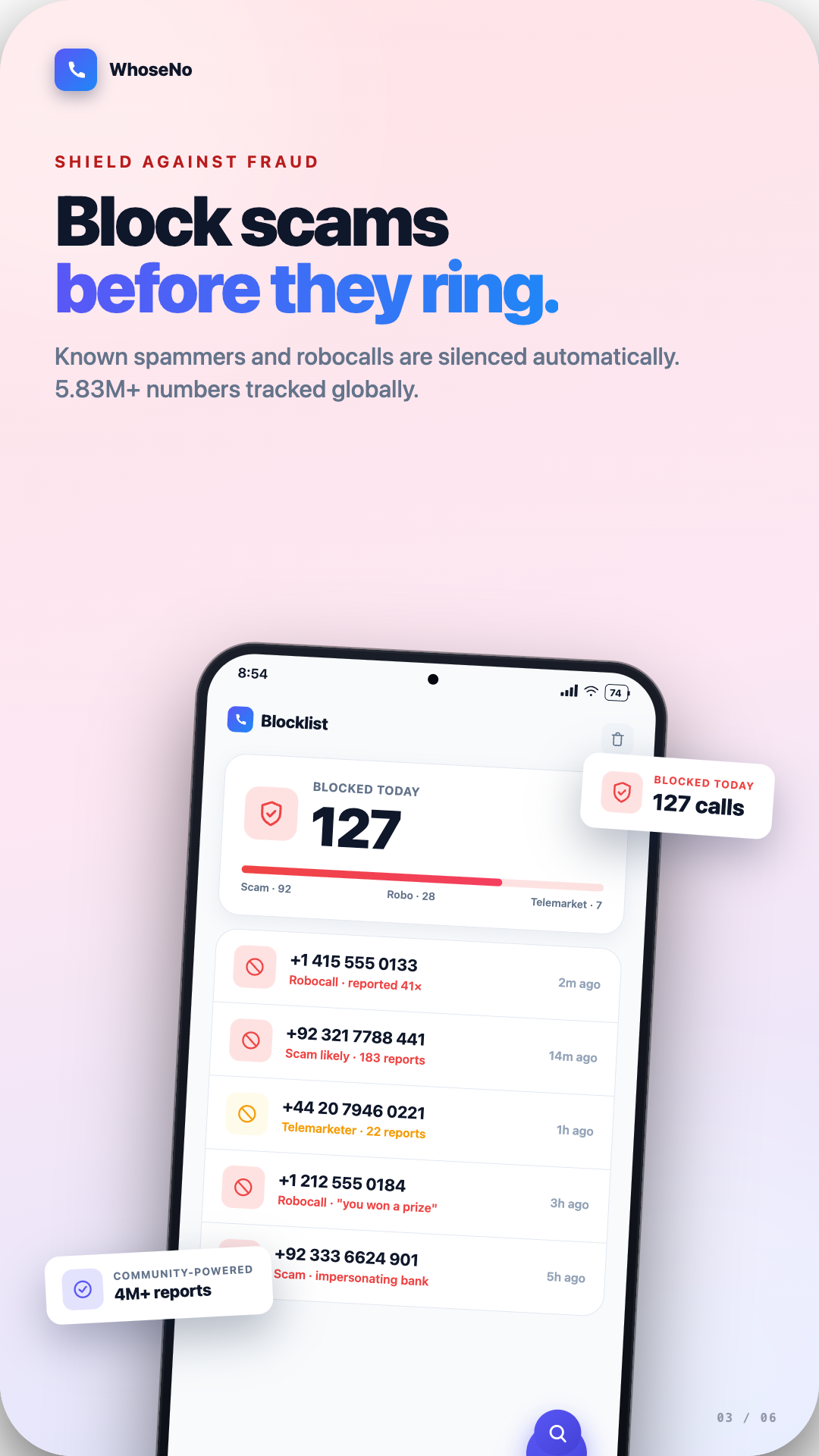
Block specific numbers or create custom call filtering rules that match your preferences.
Track suspicious numbers and receive updates when new reports are submitted.
Scan saved contacts to surface numbers that already have community spam reports.
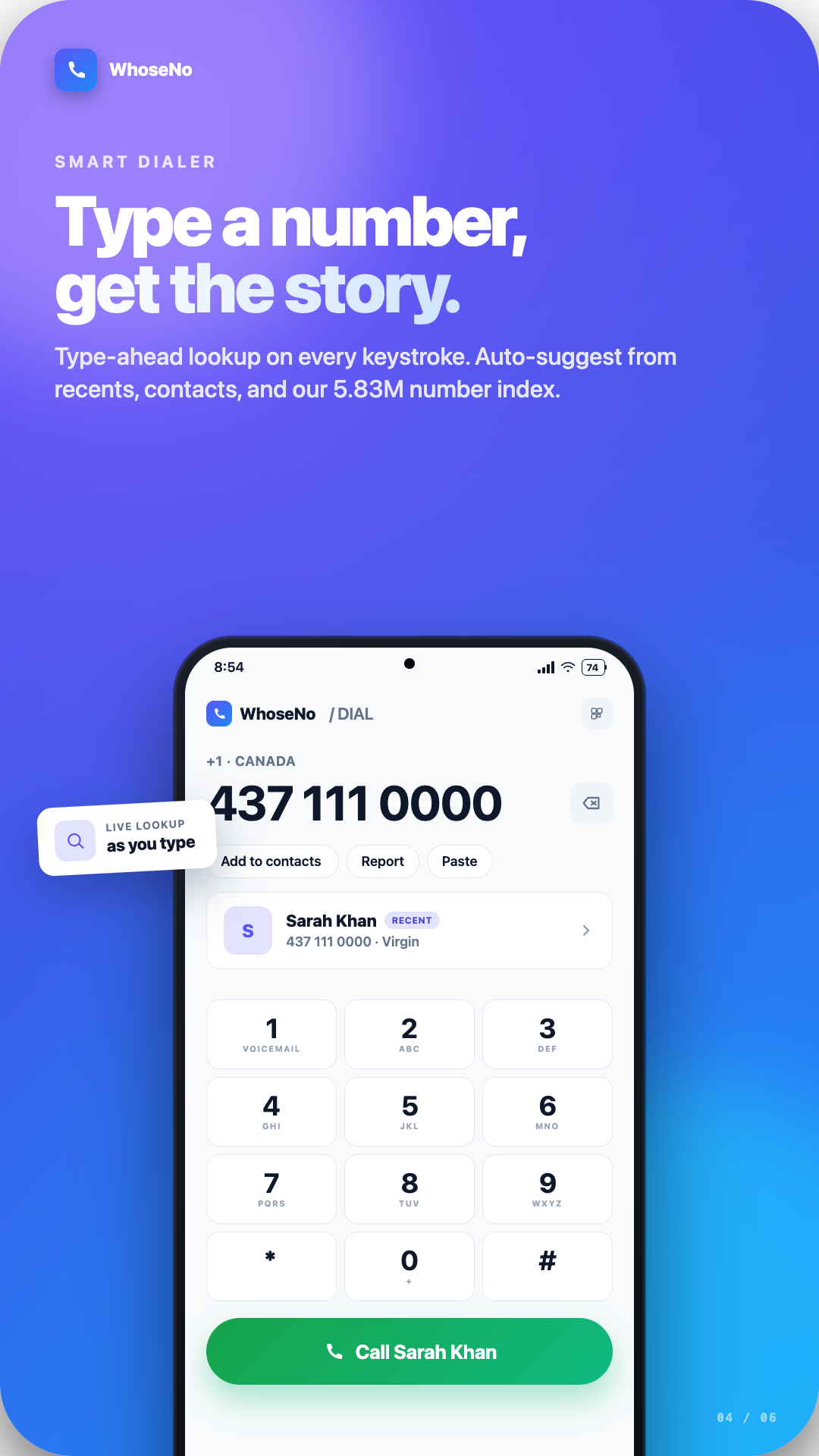
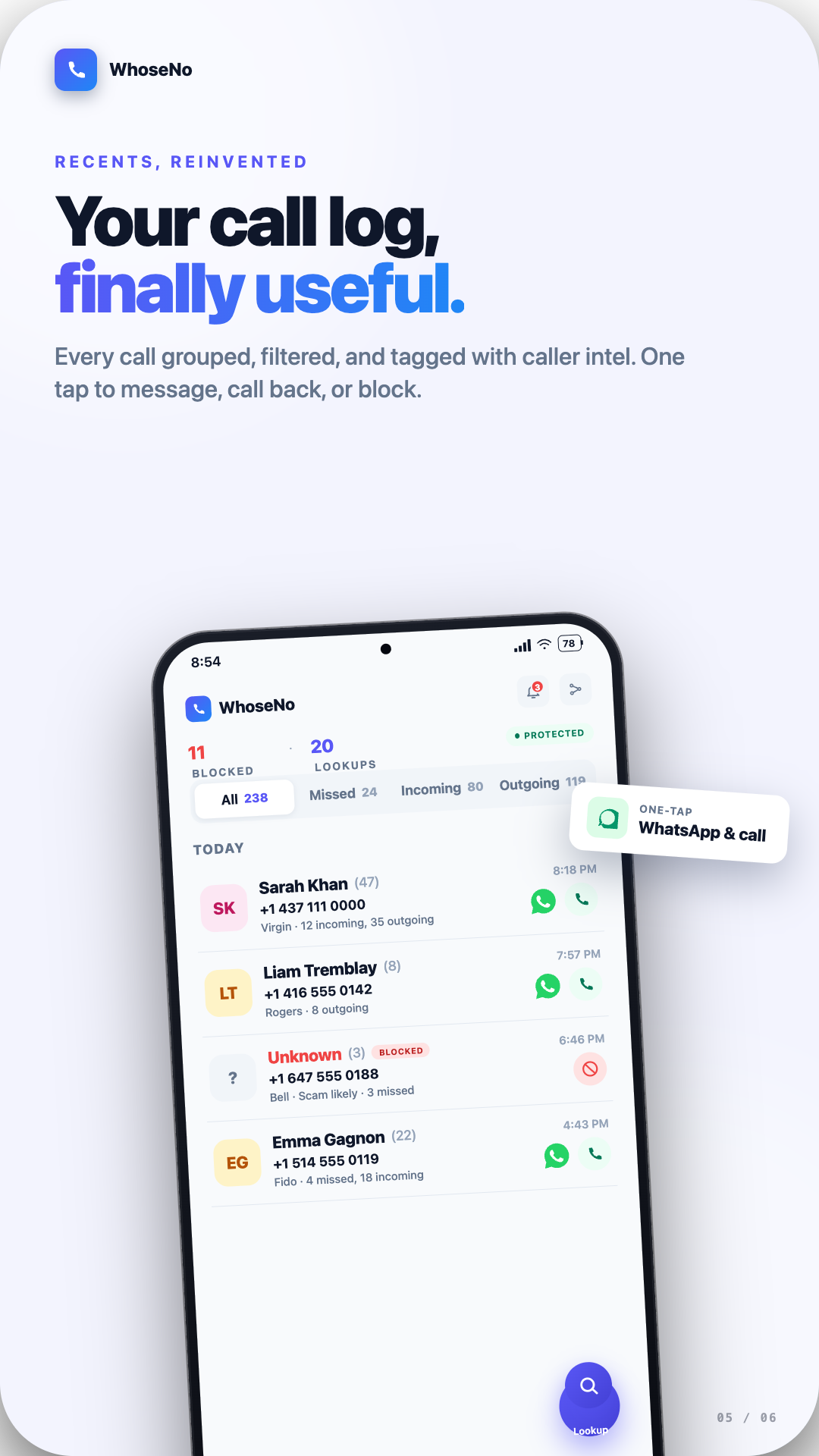
Use WhoseNo as your dialer with enhanced call history, keypad, and incoming-call context.
Save useful numbers directly from lookup results without manual copying and pasting.
Scan phone numbers from posters, receipts, and screens, then run instant lookup checks.
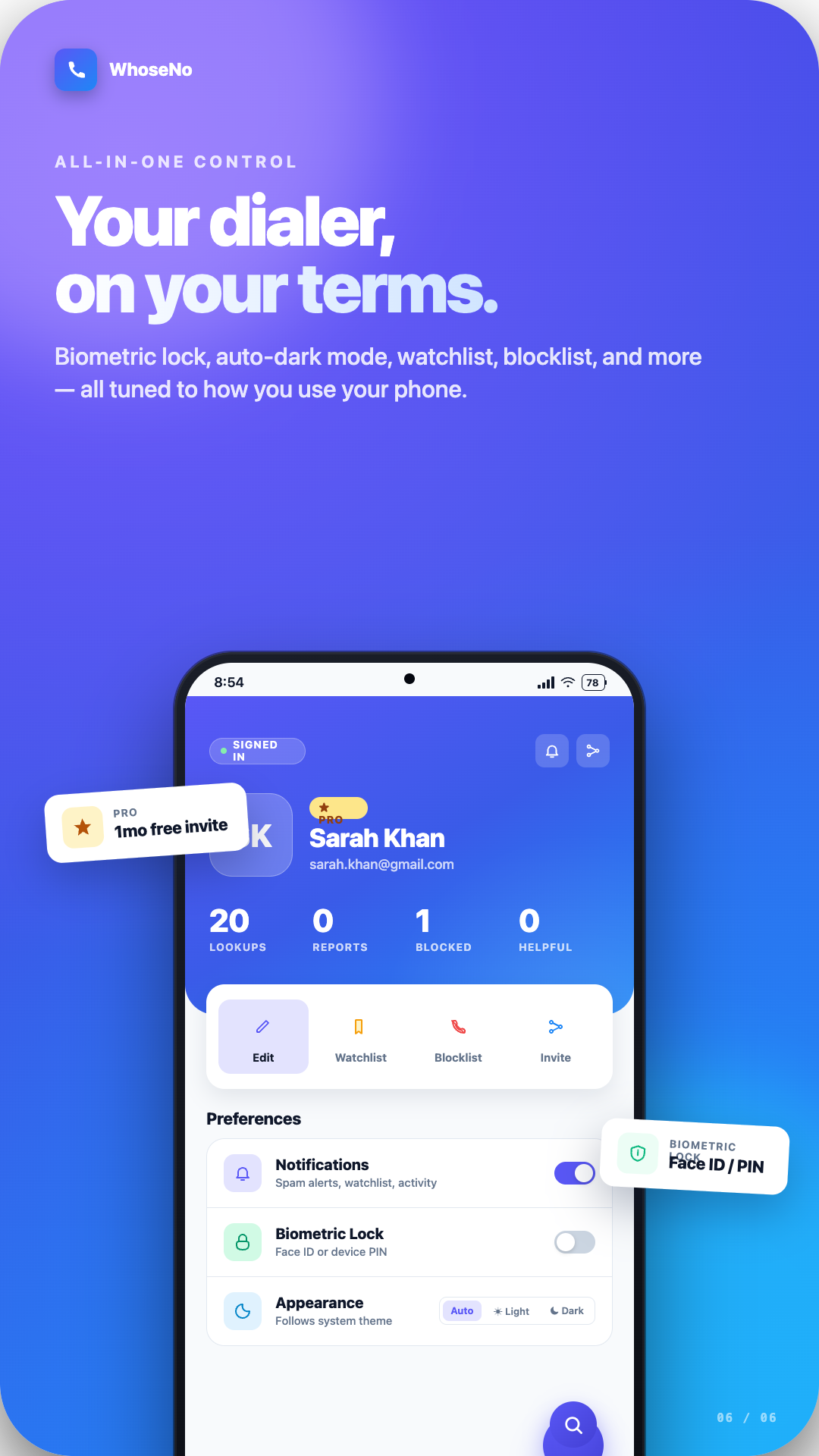
Protect call history and app activity using fingerprint or face unlock on supported devices.
An unknown number appears on your phone.
WhoseNo checks caller identity and spam risk in seconds.
Answer, ignore, or block based on clear evidence.
Community reports strengthen future detection for everyone.
WhoseNo is designed for caller safety with user control. Permissions are opt-in, and sensitive activity can be protected with biometric lock.
Actual WhoseNo screens for caller ID, live call intelligence, call logs, smart dialer, spam blocking, and privacy controls.
If you receive missed calls or suspicious texts, WhoseNo helps you check unknown numbers before responding. You can review caller identity signals, community comments, and spam likelihood to reduce scam exposure and avoid unnecessary callbacks.
Search the number, check the risk label, and read the latest caller reports. Patterns like repeated robocall complaints, telemarketing tags, and scam notes are strong warning indicators.
Block the number, add it to your watchlist, and submit a report so other users can benefit. For high-risk fraud attempts, follow official reporting guidance from public agencies.
Open WhoseNo, enter the phone number in reverse lookup, and review caller details, community reports, and spam risk status before you call back.
Yes. Core features like caller identification, number lookup, spam risk checks, and manual blocking controls are available without subscription fees.
Yes. You can block individual numbers and create custom blocking rules so repeated spam, robocall, or telemarketing numbers do not keep reaching you.
Not without permission. Contact access is opt-in, and WhoseNo states that user data is not sold to third parties.
Using reverse lookup for caller safety and spam prevention is generally legal in many regions, but you should follow local privacy and anti-harassment laws.
Risk labels are based on report patterns, user voting, and number activity signals. They are designed to help with decision-making, not to replace legal or law-enforcement verification.
Yes. Reverse lookup can be used for missed calls and unknown text numbers so you can screen risk before replying.
Caller ID spoofing exists, so always verify unknown requests through official channels. You can also review FCC and FTC guidance for robocall and scam reporting.
WhoseNo is used globally and supports number checks across many countries, with coverage reinforced by ongoing community reporting and voting.
Note: search-result FAQ rich snippets are currently limited by Google to specific site types in some verticals. This section is written primarily for user clarity and intent coverage.
Use caller ID, reverse phone lookup, and spam call blocking to handle unknown numbers with more confidence.
Get WhoseNo on Google Play