

How It Works - Simple, Fast, and Secure
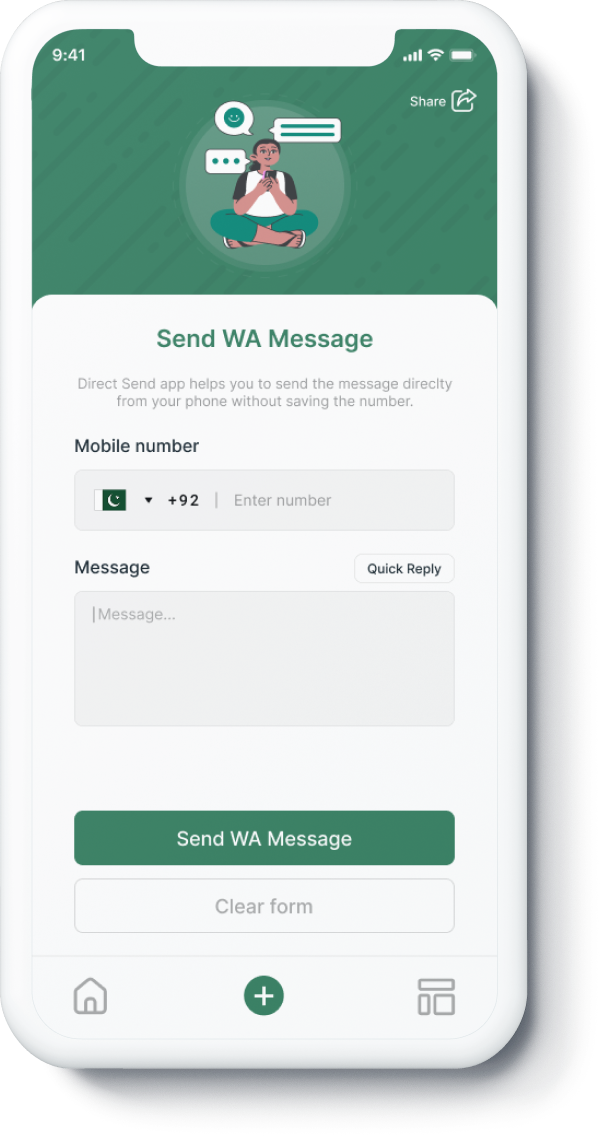
Enter Number
Type the phone number with the correct country code.
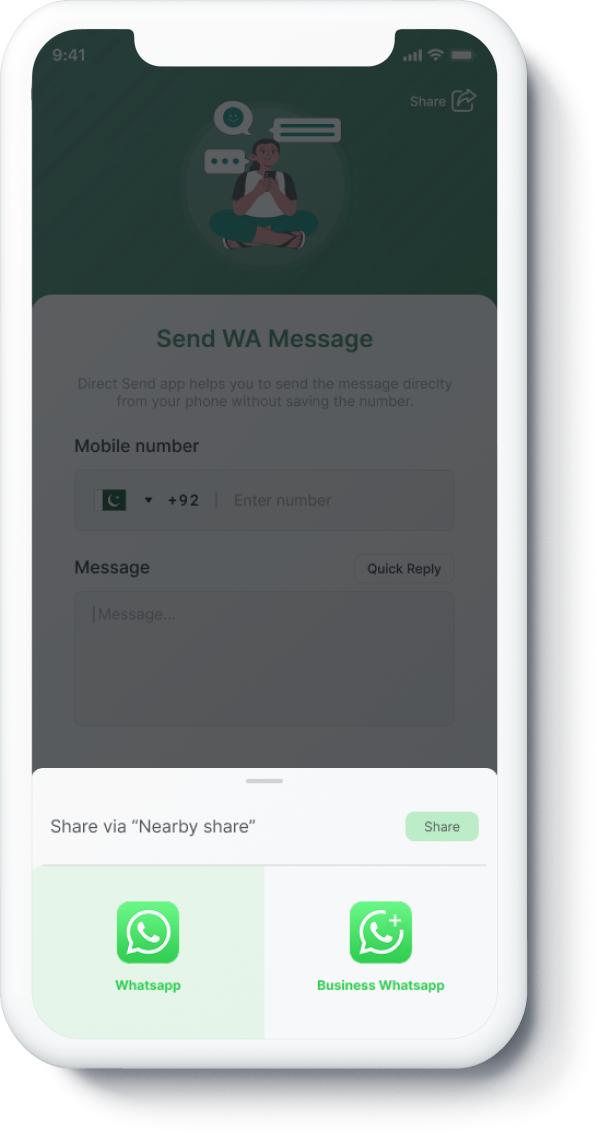
Pick Target
Choose whether to open in any WhatsApp app or directly in WhatsApp Web.
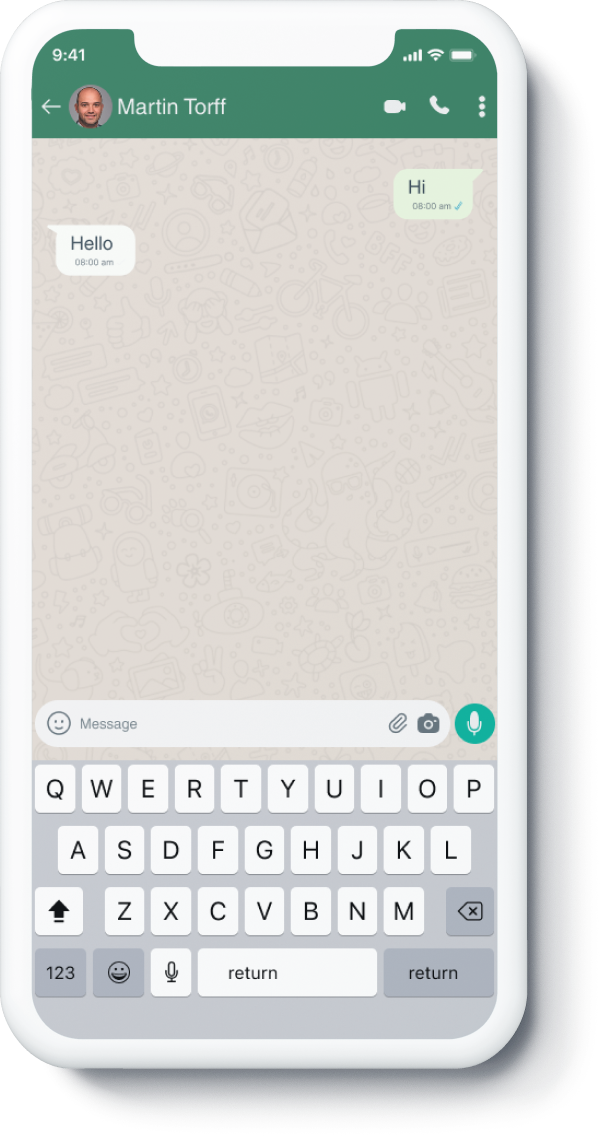
Open Chat
Click send and your chat opens immediately with that number.
No account creation. No downloads. No complex setup.
Why Send WhatsApp Messages Without Saving Numbers?
For one-time conversations, saving every number creates unnecessary contact-list noise. This tool lets you jump directly into a WhatsApp chat from browser or desktop.
- Follow up with delivery drivers and service vendors.
- Contact marketplace buyers and sellers quickly.
- Respond to customer inquiries without creating temporary contacts.
- Confirm appointments with first-time clients.
Use It on Android, iPhone, and Desktop
You can send a WhatsApp message without saving number on nearly any device. On Android and iPhone, the generated URL opens directly in the WhatsApp app. On desktop, select WhatsApp Web and continue the conversation in your browser session.
This makes it useful for remote teams, support desks, sales staff, and freelancers who switch between phone and laptop throughout the day.
Correct Number Format for WhatsApp Direct Chat
Use full international format for best results. Include country code and avoid symbols such as spaces, dashes, or parentheses. The tool normalizes input so your final link is clean and ready to share.
- Include country code (for example, US starts with 1).
- Remove local trunk prefixes where applicable.
- Check digit length before opening the link.
- Use the generated wa.me URL for simple sharing.
Popular Business and Productivity Use Cases
Teams use this WhatsApp no-save workflow to speed up first-response time and reduce contact clutter in company phones.
- Customer support replies and ticket follow-ups.
- Appointment reminders for clinics, salons, and consultants.
- Ecommerce order updates and delivery coordination.
- Real estate, automotive, and marketplace lead responses.
- Temporary vendor or event communication.
For reputation checks before messaging unknown numbers, use our reverse phone lookup and browse recent reports from community users.
Keep Your Contact List Clean
Your phonebook stays focused on long-term contacts while still allowing fast, short-lived communication over WhatsApp when needed.
Maintain Your Privacy
This page only builds WhatsApp links and forwards you to WhatsApp’s own flow. We do not store chat history or message bodies, and we do not require account signup.